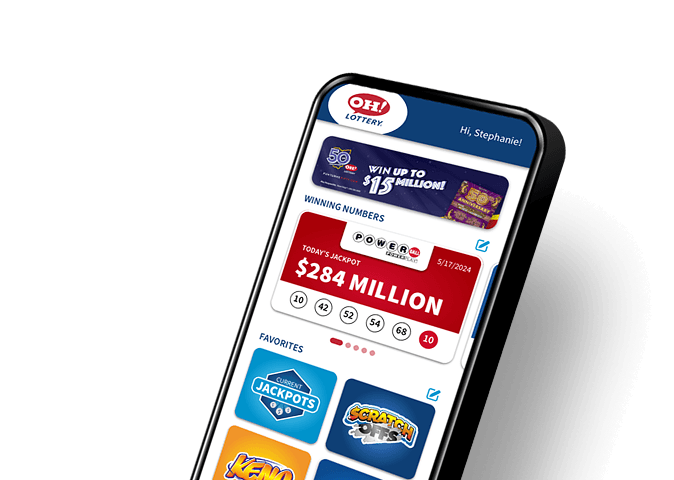
Mobile Widgets
See winning numbers at a glance
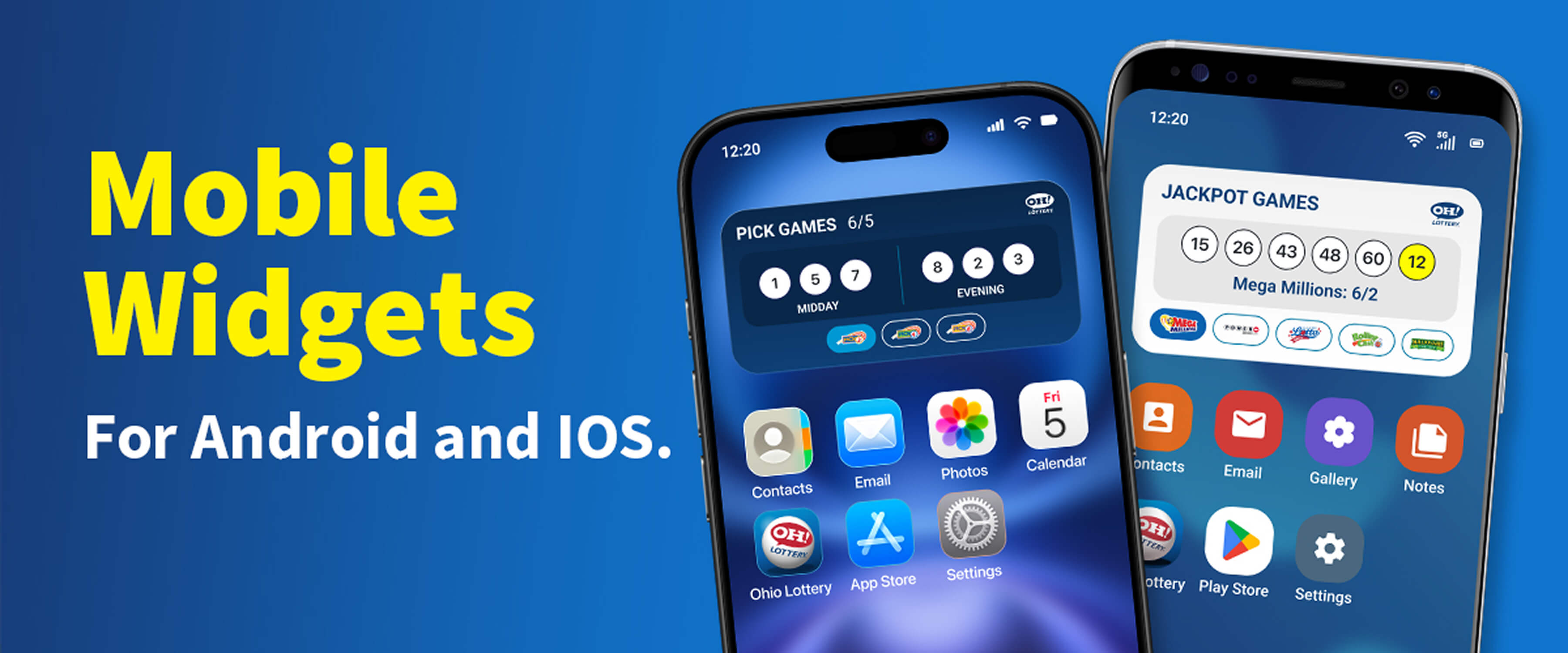
With mobile widgets for Android and iOS, your Ohio Lottery app can now display the most recent winning numbers for Ohio Lottery Draw Games right on your phone’s home screen – no need to open your app to see the results.
It’s a quick, convenient and totally automatic way to track results for Jackpot Games (Mega Millions, Powerball, Classic Lotto, Rolling Cash 5 and MILLIONAIRE FOR LIFE™ results) and Pick Games (Pick 3, Pick 4, Pick 5).
Widget FAQs
What are mobile widgets?
Mobile widgets are extensions of smartphone apps that provide at-a-glance information on your phone’s home or lock screen. The Ohio Lottery app includes winning numbers widgets that automatically display the most recent winning number combinations from Ohio Lottery draw games without having to launch the app to view them.
Will widgets work on my phone?
Mobile widgets are features of the Ohio Lottery app – which is available for both iPhone and Android. You just need to be sure you have the current version of the app to access them.
How many Ohio Lottery widgets are there?
The Ohio Lottery app includes two winning numbers Widgets:
- The Jackpot Games winning numbers widget shows drawing results from Mega Millions, Powerball, Classic Lotto, Rolling Cash 5 and MILLIONAIRE FOR LIFE games.
- The Pick Games winning numbers widget displays the latest Pick 3, Pick 4 and Pick 5 drawing results.
How frequently do winning numbers update in the widgets?
Winning numbers typically update thirty to forty-five minutes after a draw is completed. Timing could be delayed if there is a disruption in the feed used to automatically update the winning numbers.
How do I install Ohio Lottery Widgets?
For Android:
- On a Home screen, touch and hold an empty space.
- Tap Widgets.
- Find the Ohio Lottery in the lists of apps and tap it to reveal the available widgets.
- Touch and hold a widget. You'll get images of your Home screens.
- Slide the widget to where you want it. Lift your finger.
For iPhone:
- From the Home Screen, touch and hold an empty area until the apps jiggle.
- Tap Edit in the upper-left corner.
- Tap Add Widget.
- Scroll or search for Ohio Lottery.
- Select the widget you want to add, then tap Add Widget.
- Tap Done.
Download the Ohio Lottery app
Scan tickets, redeem winnings, earn rewards, and more. It's a whole lot of fun packed right in your pocket.